Receive Goods
Post physical supplier receipts to the correct warehouse and preserve purchase-order quantities.
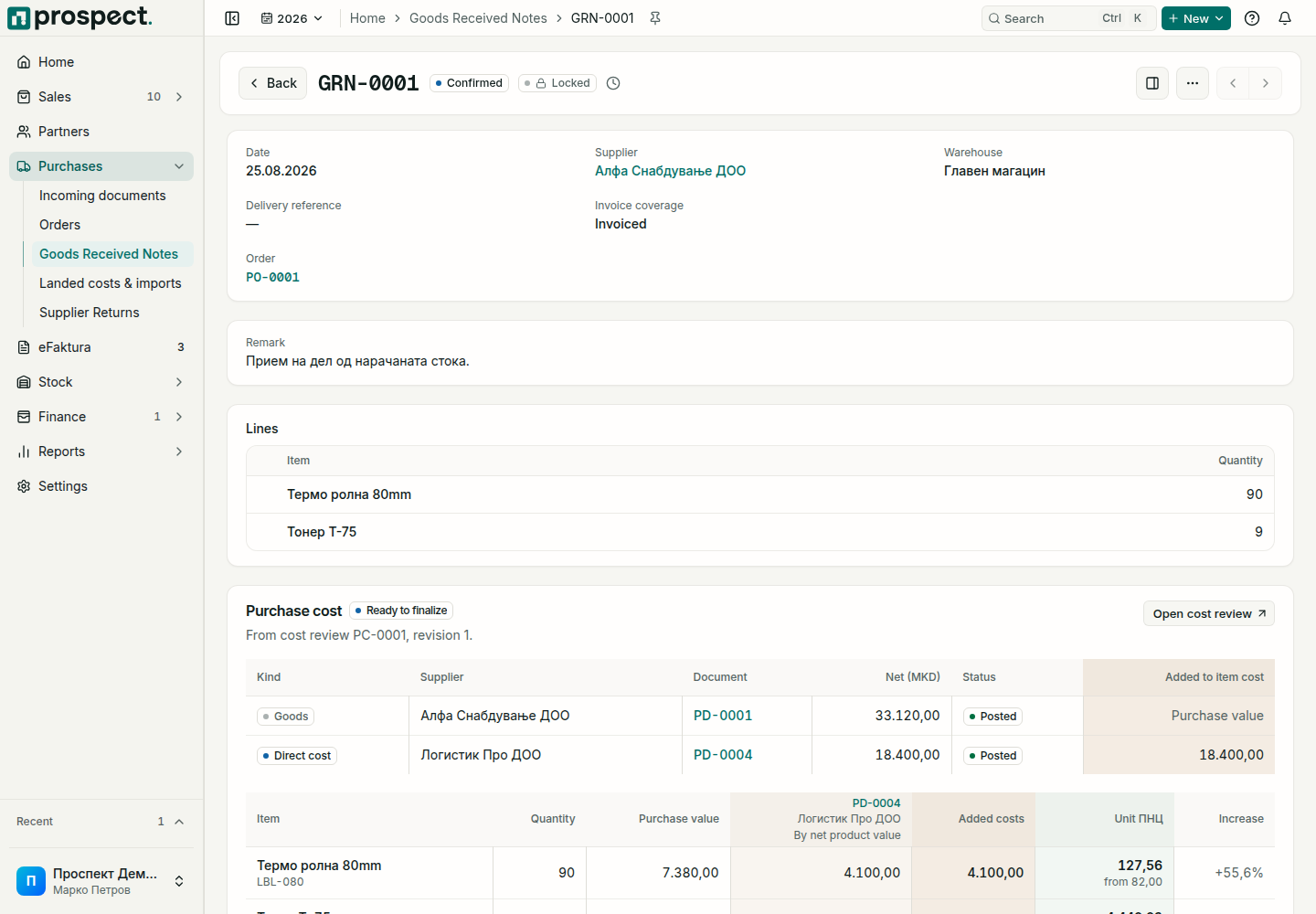
From the purchase order choose Receive goods, or create a direct goods-received note.
Confirm supplier, receipt date, warehouse, delivery reference, and actually received quantities.
Remove or reduce lines not physically received; do not post the supplier's ordered quantity by default. With a scanner, scan each item's barcode instead: on a receipt from an order, only items still open on that order are accepted.
Choose Receive into stock to create stock movements and update source progress. A receipt you started and left is kept as a draft to finish later.
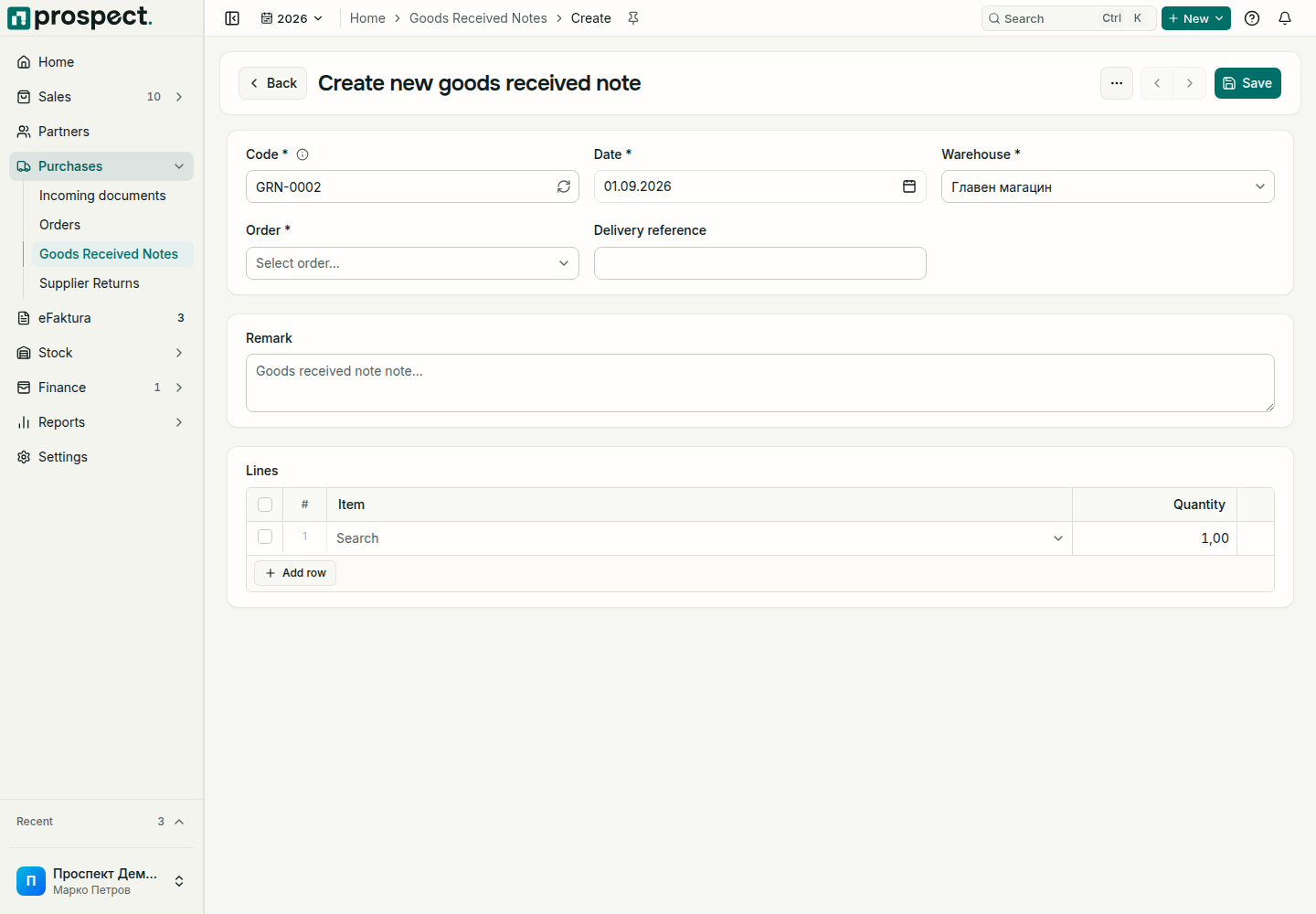
Goods without an order: next to the Order field choose Without an order, then the supplier and a unit price on each line. Stock is valued at that price, and the receipt is billed later like any other. This is for domestic suppliers in the company's currency; imports, or a company policy that asks for an order before stock, still receive against an order.
Only product lines move stock. A published receipt can feed a supplier invoice and landed-cost calculation. If stock must be sent back, create a supplier return from the relevant source. If a posted receipt is wrong, use cancellation only when no dependent billing, costing, return, or locked period prevents it.